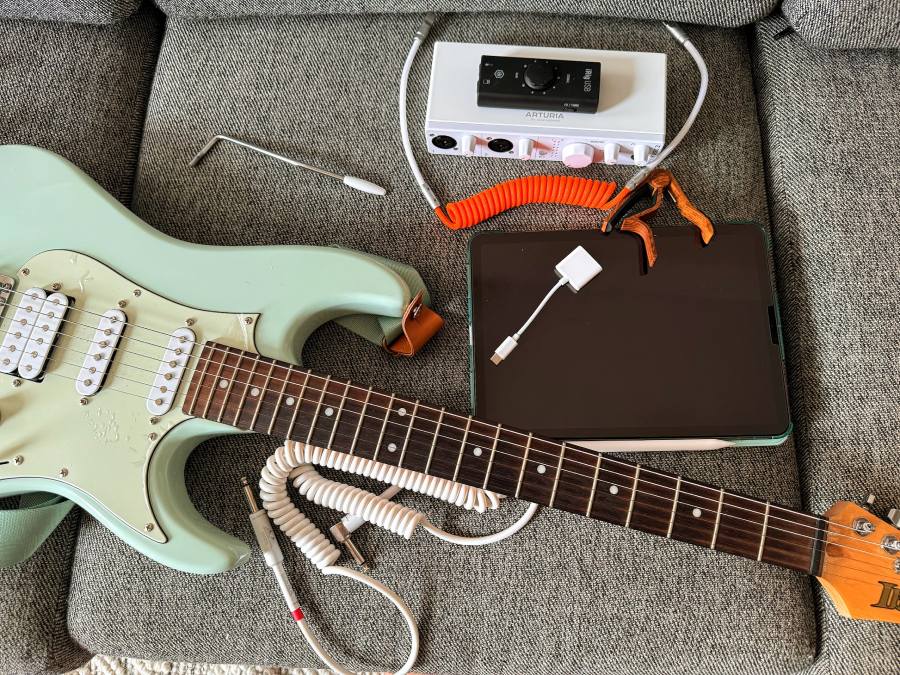

I play the guitar and sing in open mics in my spare time. To perform, I usually play with a backing track but sometimes it’s hard to find a “karaoke” version and even harder to find one with all my desired instruments (I’d like to hear everything but the guitar because I’m going to play it!).
There are a few ways to create a backing track from a song (maybe there are more but these are the ones that I know of):
- With Logic Pro for iPad: Since 2024 it has a way to split a song into tracks (bass, drums, other, vocals). This feature is called stem splitter .
- With
Demucs
, which is an open-source tool capable of separating
drums, bass, and vocals from the rest of the accompaniment.
- It has a feature where it can split a song using more instruments (bass, drums, guitar, other, piano, vocals). In this mode, I can keep important tracks in the backing track, such as the “other” and “piano” tracks, which make the backing track feel complete.
In this article, I show how to use Demucs to split a song into tracks.
Splitting a song with Demucs
High level steps
- Install essential tools:
- Download dependencies (there’s an automated step to download these below).
- Download your song with
yt-dlp. - Separate the track with
Demucs. - Join the drums/bass/other tracks with
FFmpeginto a track that you can use as your backing track!
Download demucs dependencies
The assumption is that you already have Git and Python installed.
I’ve created a project
that has a file with all the dependencies to install.
You just need to clone the repository and use the requirements.txt file to install the dependencies.
git clone https://github.com/mauriciopoppe/open-mic
cd open-mic
python3 -m venv venv
source venv/bin/activate
python3 -m pip install -r requirements.txt
Download your song
I’ll create a backing track with bass, drums, piano, and other instruments for the song December 21 by Prince Royce .
First, let’s download the song, assuming that it’s on YouTube:
yt-dlp -x --audio-format mp3 <youtube-link-to-song>
Example:
yt-dlp -x --audio-format mp3 "https://www.youtube.com/watch?v=A9B1Uo-VQas"
[youtube] Extracting URL: https://www.youtube.com/watch?v=A9B1Uo-VQas
[youtube] A9B1Uo-VQas: Downloading webpage
[youtube] A9B1Uo-VQas: Downloading ios player API JSON
[youtube] A9B1Uo-VQas: Downloading android player API JSON
[youtube] A9B1Uo-VQas: Downloading player b46bb280
WARNING: [youtube] A9B1Uo-VQas: nsig extraction failed: You may experience throttling for some formats
         n = CN0_8RV0LjPMw_i9xJs ; player = https://www.youtube.com/s/player/b46bb280/player_ias.vflset/en_US/base.js
WARNING: [youtube] A9B1Uo-VQas: nsig extraction failed: You may experience throttling for some formats
         n = it19Djd_eJ-wpANfMuK ; player = https://www.youtube.com/s/player/b46bb280/player_ias.vflset/en_US/base.js
[youtube] A9B1Uo-VQas: Downloading m3u8 information
[info] A9B1Uo-VQas: Downloading 1 format(s): 140
[download] Destination: Prince Royce - Dec. 21 (Official Video) [A9B1Uo-VQas].m4a
[download] 100% of    3.30MiB in 00:00:00 at 7.11MiB/s
[FixupM4a] Correcting container of "Prince Royce - Dec. 21 (Official Video) [A9B1Uo-VQas].m4a"
[ExtractAudio] Destination: Prince Royce - Dec. 21 (Official Video) [A9B1Uo-VQas].mp3
Deleting original file Prince Royce - Dec. 21 (Official Video) [A9B1Uo-VQas].m4a (pass -k to keep)
The track is downloaded in the same location as where the command was run.
Next, let’s use Demucs to separate the track into different instrument tracks.
demucs -n htdemucs_6s --mp3 -j 2 <path-to-downloaded-song>
Example:
demucs -n htdemucs_6s --mp3 -j 2 "Prince Royce - Dec. 21 (Official Video) [A9B1Uo-VQas].mp3"
Selected model is a bag of 1 models. You will see that many progress bars per track.
Separated tracks will be stored in /Users/mauriciopoppe/go/src/github.com/mauriciopoppe/open-mic/separated/htdemucs_6s
Separating track Prince Royce - Dec. 21 (Official Video) [A9B1Uo-VQas].mp3
100%|██████████████████████████████████████████████████████████████████████| 216.45/216.45 [01:28<00:00,  2.46seconds/s]
Demucs created multiple files in the directory separated. Let’s list them:
tree separated/
separated/
└── htdemucs_6s
    └── Prince Royce - Dec. 21 (Official Video) [A9B1Uo-VQas]
        ├── bass.mp3
        ├── drums.mp3
        ├── guitar.mp3
        ├── other.mp3
        ├── piano.mp3
        └── vocals.mp3
Finally, let’s join the bass, drums, other, and piano tracks with FFmpeg into the combined file combined.mp3.
cd separated/htdemucs_6s/Prince\ Royce\ -\ Dec.\ 21\ \(Official\ Video\)\ \[A9B1Uo-VQas\]/
ffmpeg -i bass.mp3 -i drums.mp3 -i other.mp3 -i piano.mp3 -filter_complex amix=inputs=4:normalize=0 combined.mp3
Let’s compare the original song with two versions of the backing track, one with bass and drums (no voice or guitar) and the other with bass, drums, other and piano (no voice or guitar).
As you can hear, the backing track created with Demucs has lots of details from the original song minus
the voice or guitar which is exactly what I need. Demucs is an amazing tool and so useful for open mics!